PO.DAAC MATLAB Download Manual [2024.10.05]
How to write a MATLAB script that downloads PO.DAAC data for a specific area and period through OPeNDAP. The example uses MUR SST v4.1, but the same steps apply to other PO.DAAC products.
For GHRSST L4 and OISST
The SST Downloader already supports 11 GHRSST L4 datasets and OISST v2 with token-based download. Use this manual for other PO.DAAC products.
1. Get a sample file for longitude and latitude
- Open the product page on PO.DAAC.
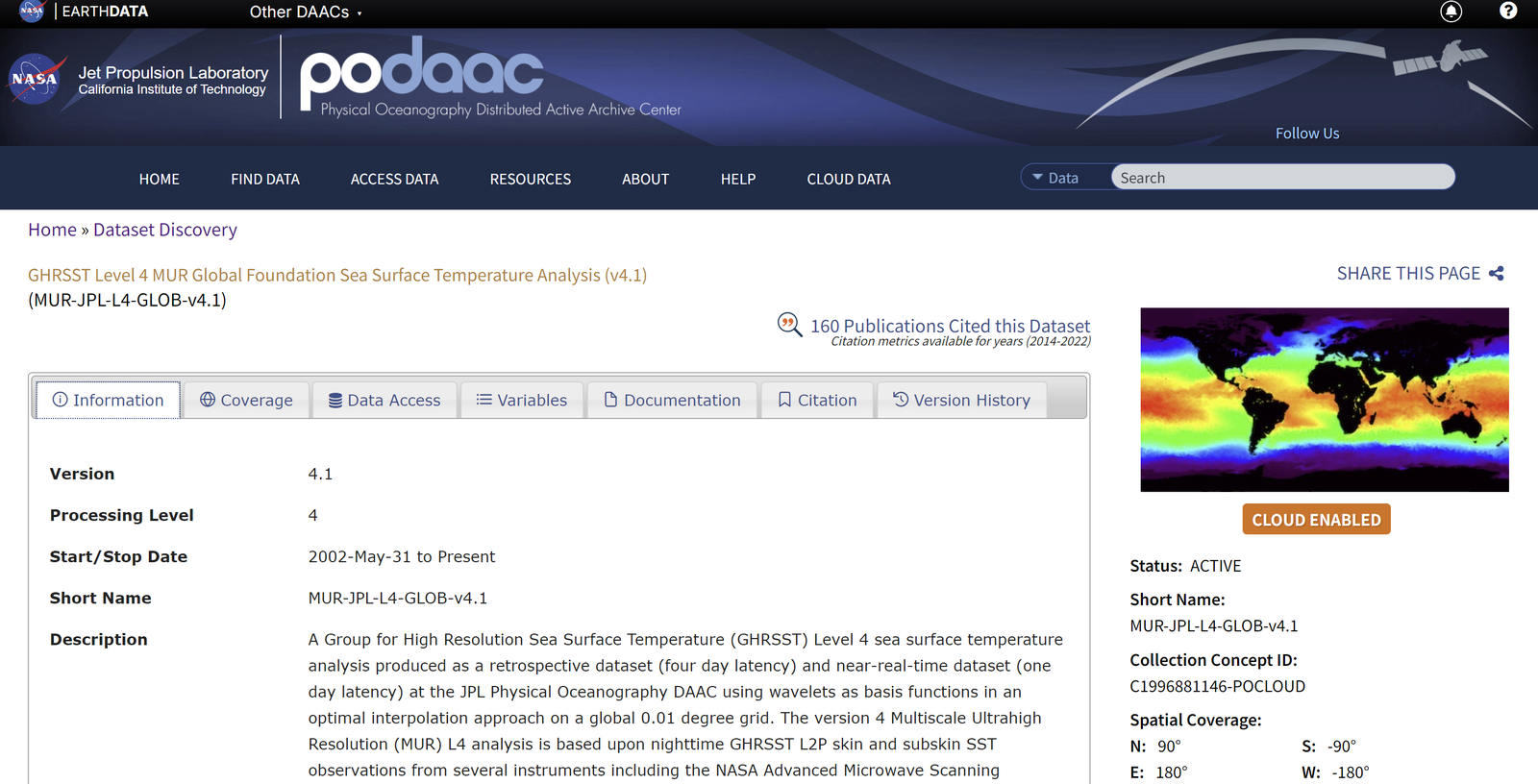
PO.DAAC product page - Click
Data Access.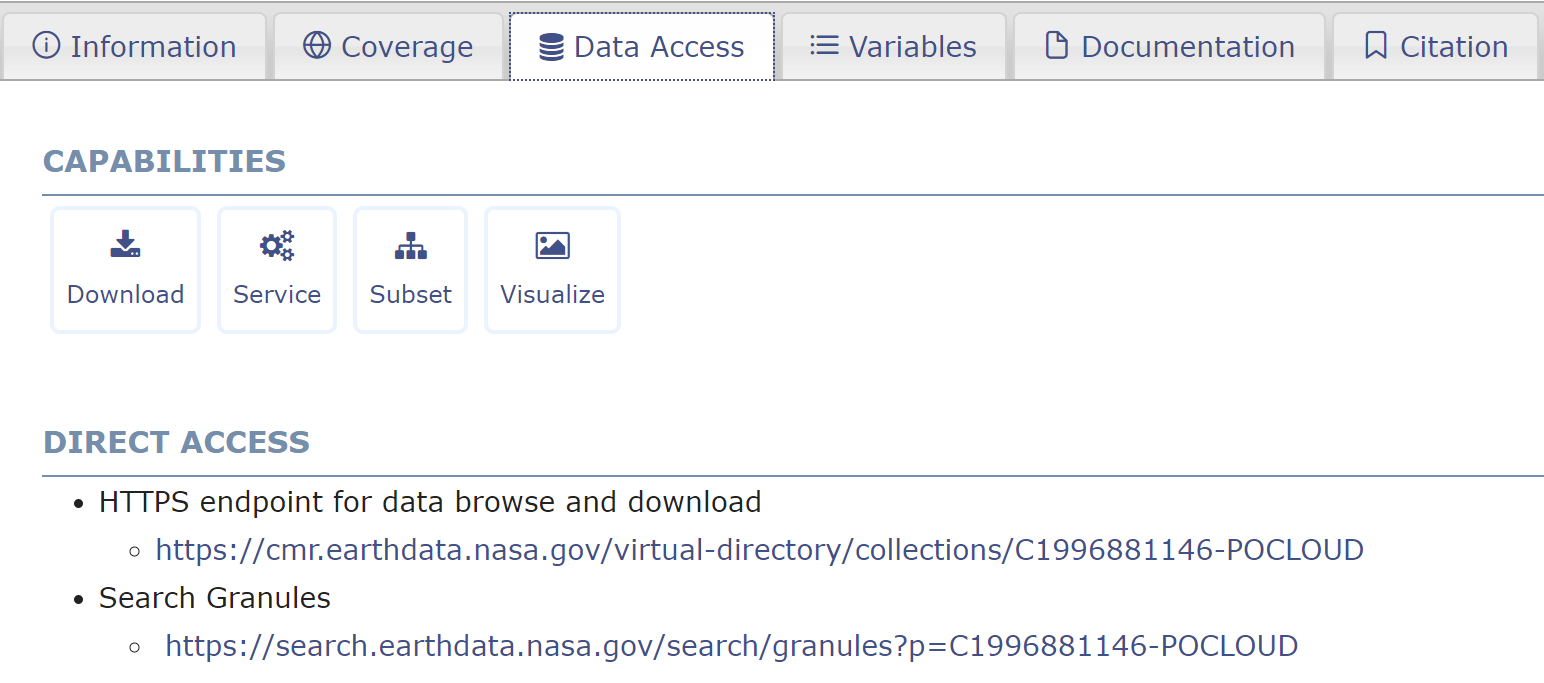
Data Access tab - Go to
DIRECT ACCESSand open theHTTPS Link.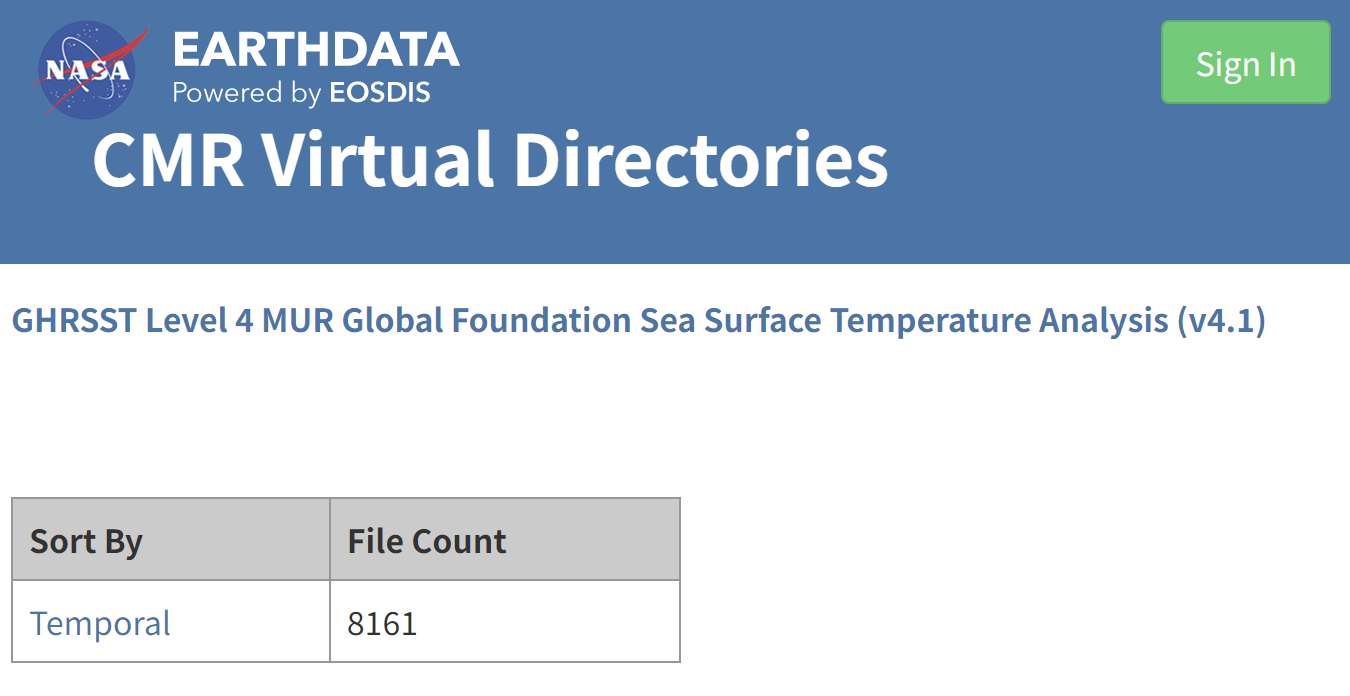
DIRECT ACCESS: HTTPS link - Sign in, then choose a sample day to get the longitude and latitude information.

Choosing a sample day - Click
Opendapand set the options:- Download Encoding:
NetCDF-4 - Add the variables
latandlon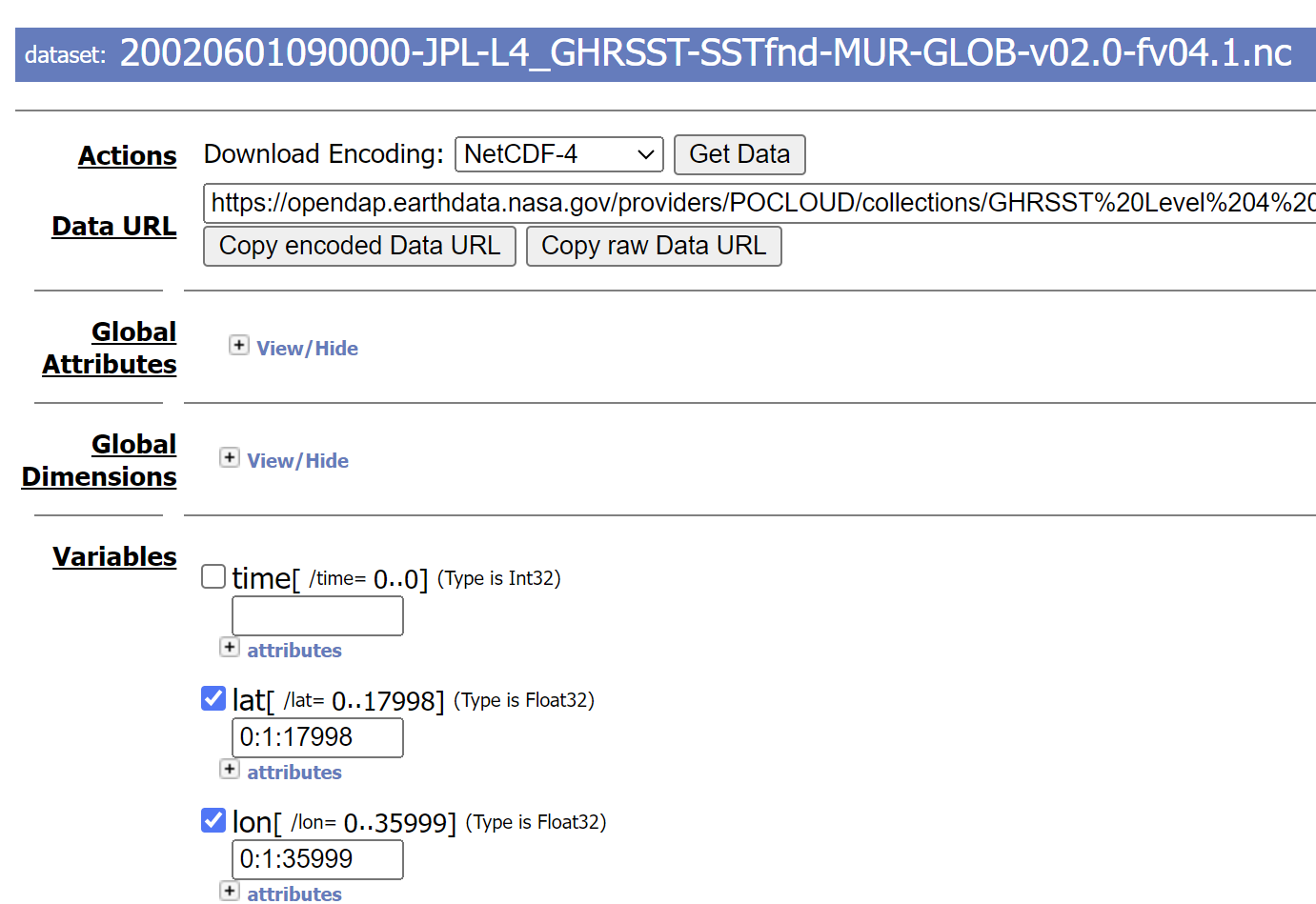
OPeNDAP options: NetCDF-4, lat and lon
- Download Encoding:
- Click
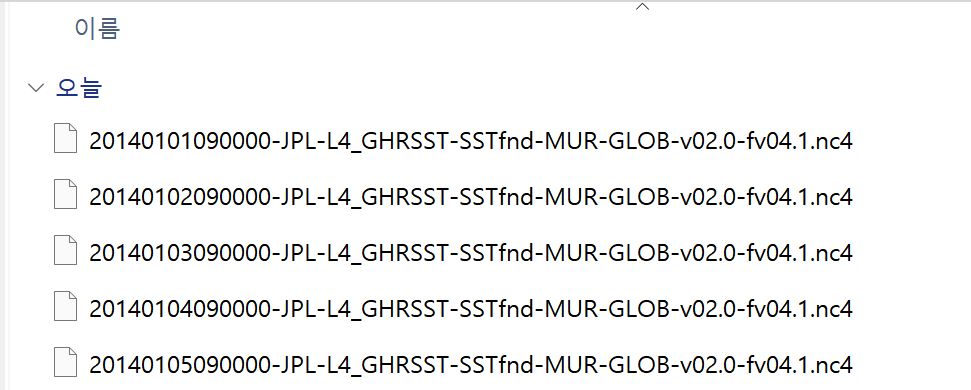
Get Data. - Make a new folder for the MATLAB workspace and move the nc file into it (you can rename the file).
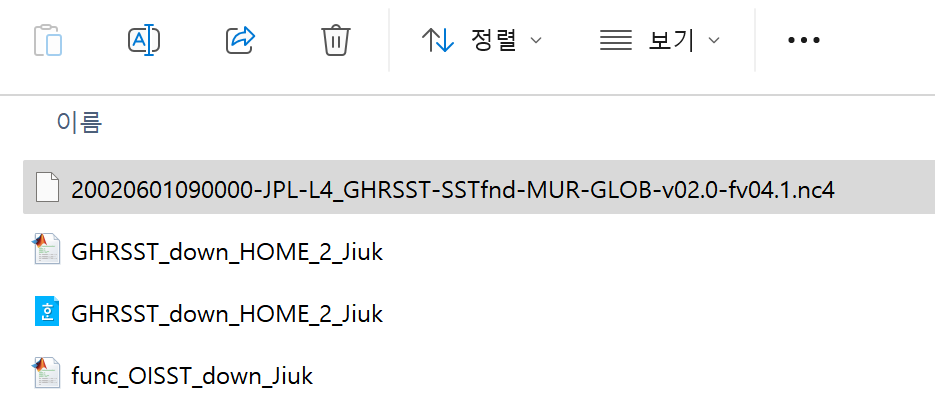
Sample nc file in the MATLAB workspace folder
2. Read the grid and find the indices of your region
Read lon and lat from the sample file
%% read 'lon', 'lat' data from NC file
clc; clear;

fnm = 'sample_lonlat_20020601_MUR_41.nc4';
ncdisp(fnm)

lon = ncread(fnm, 'lon');
lat = ncread(fnm, 'lat');
Find the index range of the target region
Spatial_area = [24, 35, 121, 132];

idlat(1) = findnearpoint(lat, Spatial_area(1));
idlat(2) = findnearpoint(lat, Spatial_area(2));
idlon(1) = findnearpoint(lon, Spatial_area(3));
idlon(2) = findnearpoint(lon, Spatial_area(4));

function id = findnearpoint(base, target)
% find nearest point of "target" from "base"
[~, id] = min(abs(base-target));
end
Prepare the period
period = [2014, 1, 1; 2014, 1, 5];
period2 = datetime(period);
period3 = period2(1):days(1):period2(2);
3. Build the download URL
Back on the website, add the variables you need (time and the data variables) and click Copy Raw Data Link.
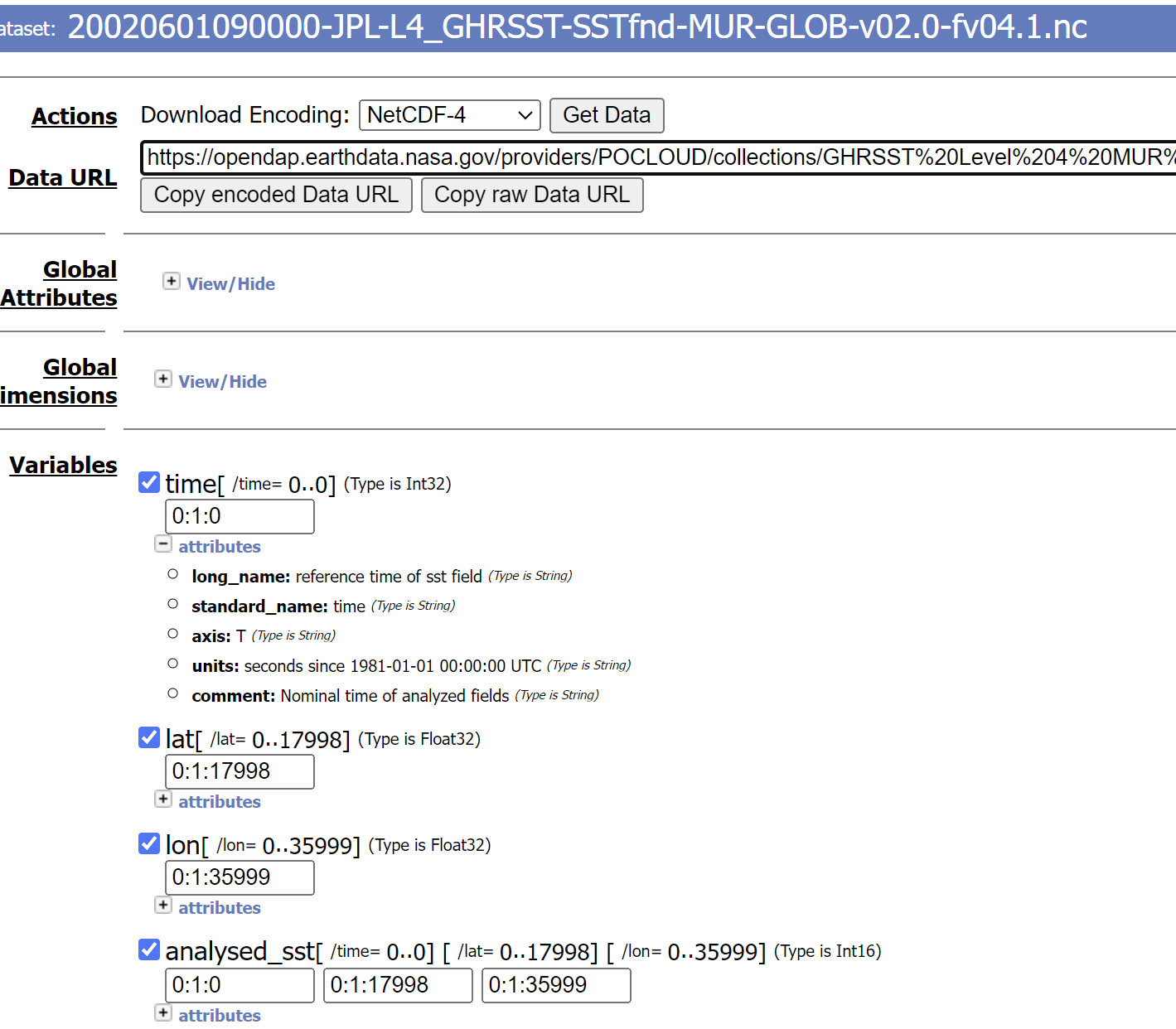
A MUR link looks like this:
https://opendap.earthdata.nasa.gov/providers/POCLOUD/collections/GHRSST Level 4 MUR Global Foundation Sea Surface Temperature Analysis (v4.1)/granules/20020601090000-JPL-L4_GHRSST-SSTfnd-MUR-GLOB-v02.0-fv04.1.dap.nc4?dap4.ce=/time[0:1:0];/lat[0:1:17998];/lon[0:1:35999];/analysed_sst[0:1:0][0:1:17998][0:1:35999]
Split it into four parts. Parts 2 (date) and 4 (index ranges) change in the loop.
https://opendap.earthdata.nasa.gov/providers/POCLOUD/collections/GHRSST Level 4 MUR Global Foundation Sea Surface Temperature Analysis (v4.1)/granules/20020601090000-JPL-L4_GHRSST-SSTfnd-MUR-GLOB-v02.0-fv04.1.dap.nc4?dap4.ce=/time[0:1:0];/lat[0:1:17998];/lon[0:1:35999];/analysed_sst[0:1:0][0:1:17998][0:1:35999]
4. Download
Download each day through the browser
%% load data with URL

% If the downloaded file has the SAME NAME, INCREASE the value of lag_time
lag_time = 3; % seconds between download each files

for loop = 1:length(period3)
    period4 = period3(loop); period5 = datevec(period4); period5 = period5(1:3);
    period6 = sprintf("%d%02.0f%02.0f", period5);

    url1 = "https://opendap.earthdata.nasa.gov/providers/POCLOUD/collections/" + ...
        "GHRSST%20Level%204%20MUR%20Global%20Foundation%20Sea%20Surface%20Temperature%20Analysis%20(v4.1)" + ...
        "/granules/";

    url2 = period6;

    url3 = "090000-JPL-L4_GHRSST-SSTfnd-MUR-GLOB-v02.0-fv04.1.dap.nc4?dap4.ce=";

    url4 = sprintf("/time[0:1:0];/lat[%d:1:%d];/lon[%d:1:%d];/analysed_sst[0:1:0][%d:1:%d][%d:1:%d]", ...
        idlat(1)-1, idlat(2)-1, idlon(1)-1, idlon(2)-1, ...
        idlat(1)-1, idlat(2)-1, idlon(1)-1, idlon(2)-1);

    url5 = strcat(url1, url2, url3, url4);
    web(url5)

    pause(lag_time);
end
The files are then downloaded automatically, one per day.