How to Download WOD [2024.03.02]
Step-by-step guide to the WODselect tool of the World Ocean Database (NOAA NCEI).
1. Open WODselect
-
Go to the WOD product page.
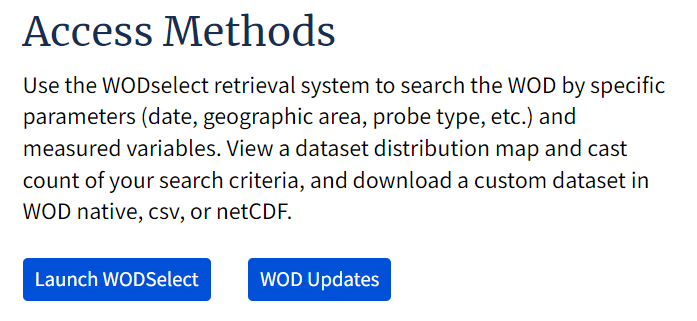
WOD product page -
Click Launch WODselect.
Launch WODselect
2. Build a query
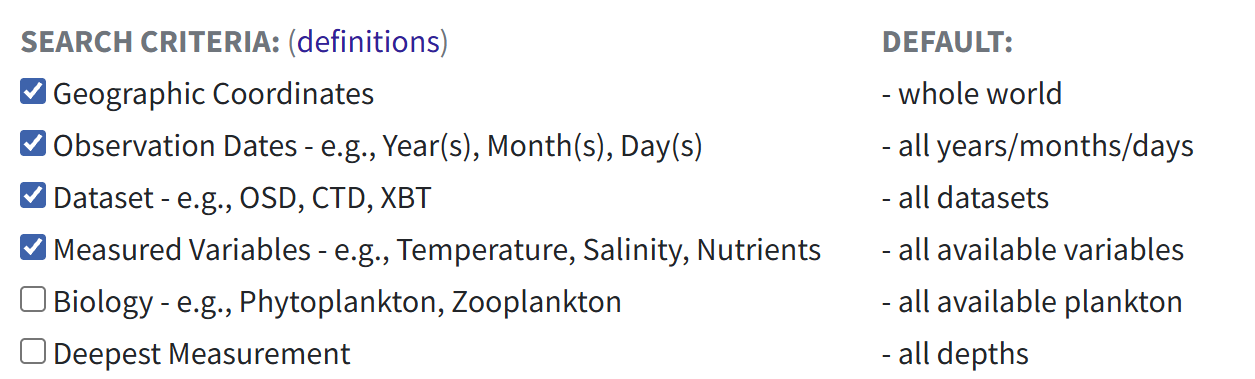
- Set the options you want (region, period, variables, instrument types).
-
Click Build a query.
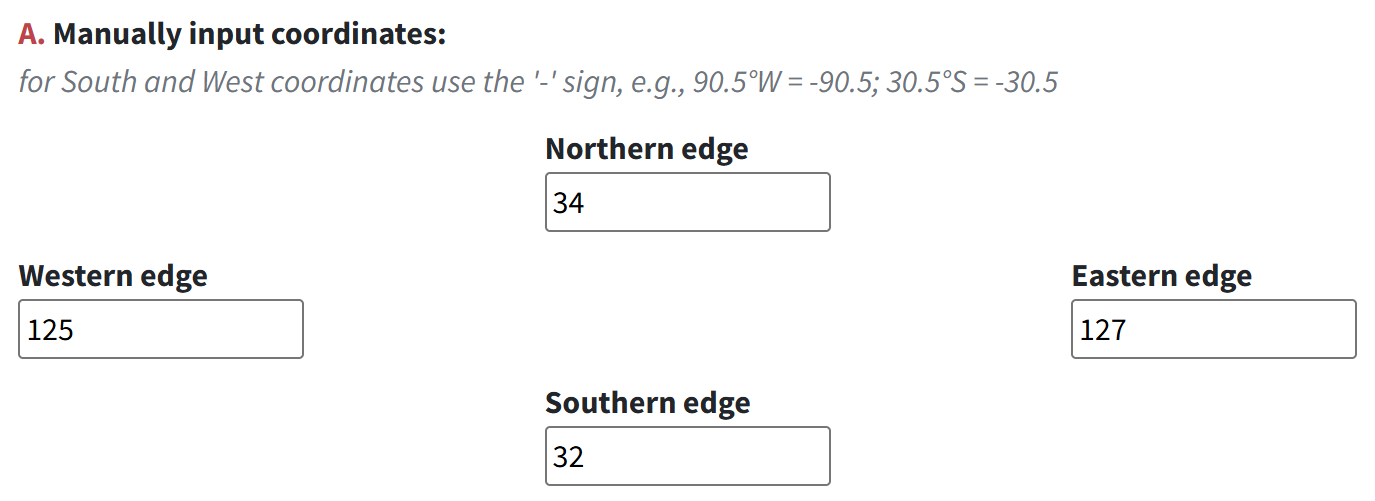
Build a query (1) 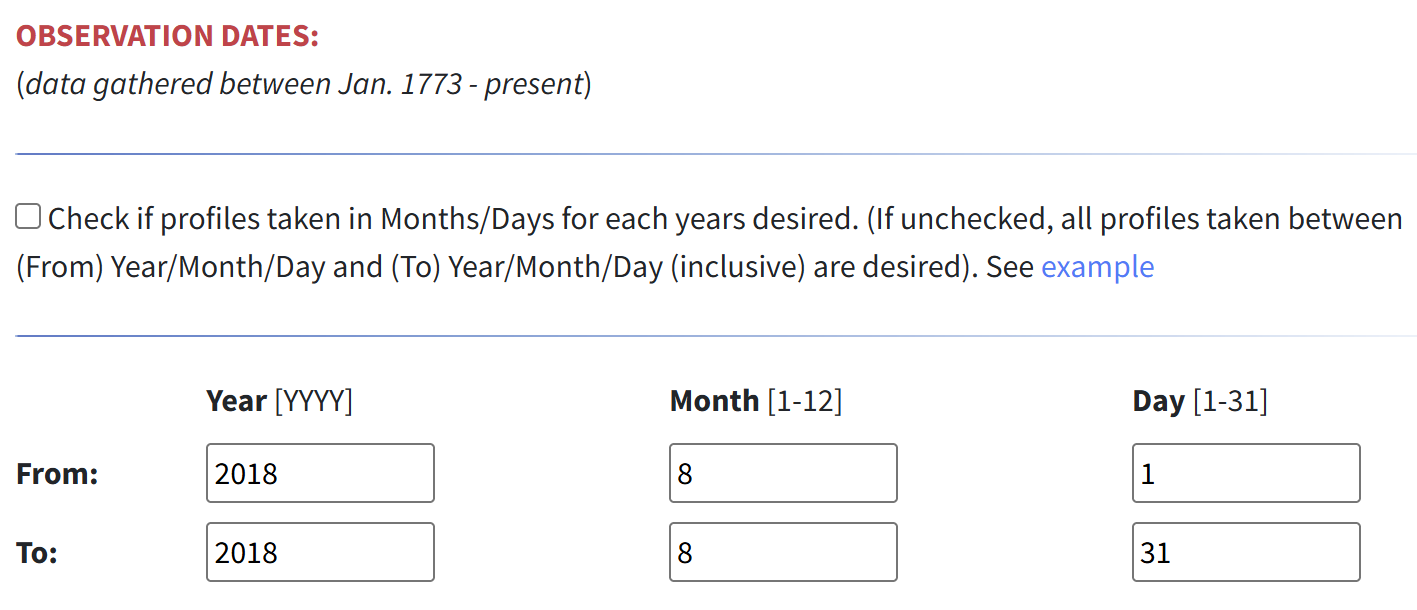
Build a query (2) 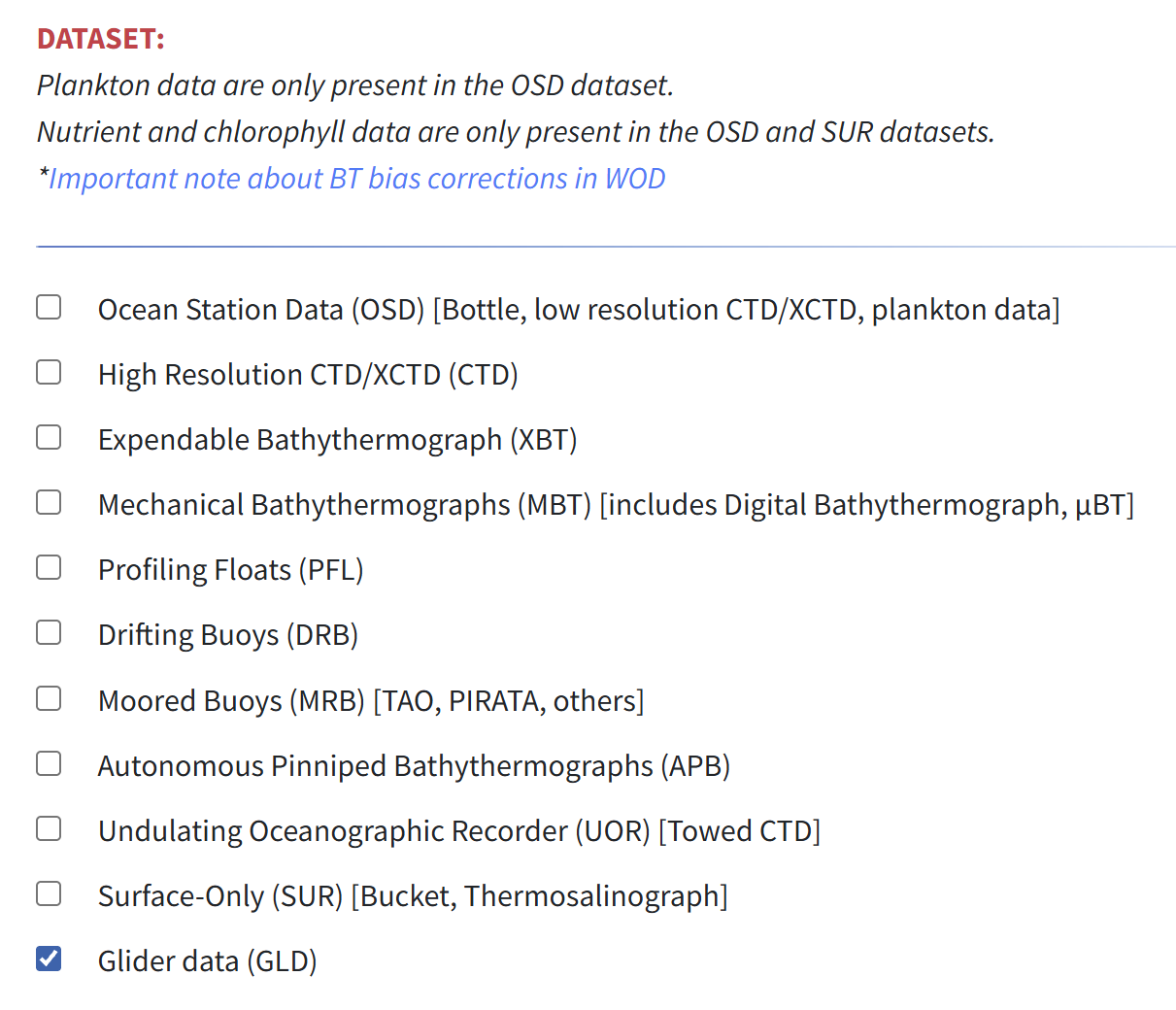
Build a query (3)
3. Get an inventory and download
-
Click Get an Inventory.

Get an Inventory -
A message like the one below appears.
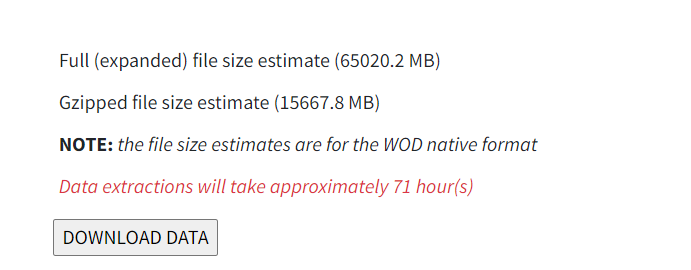
Inventory message -
Check the estimated loading time, then click Download Data.
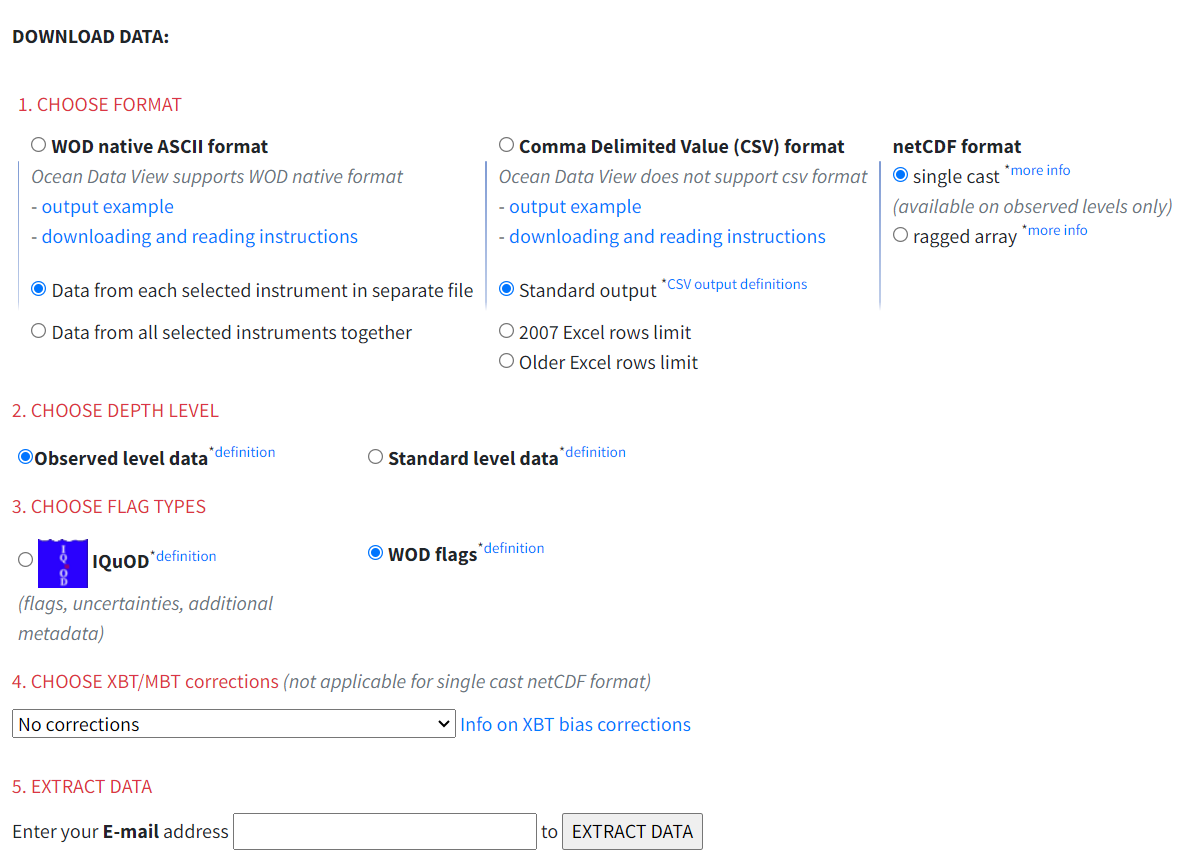
Download Data (1) 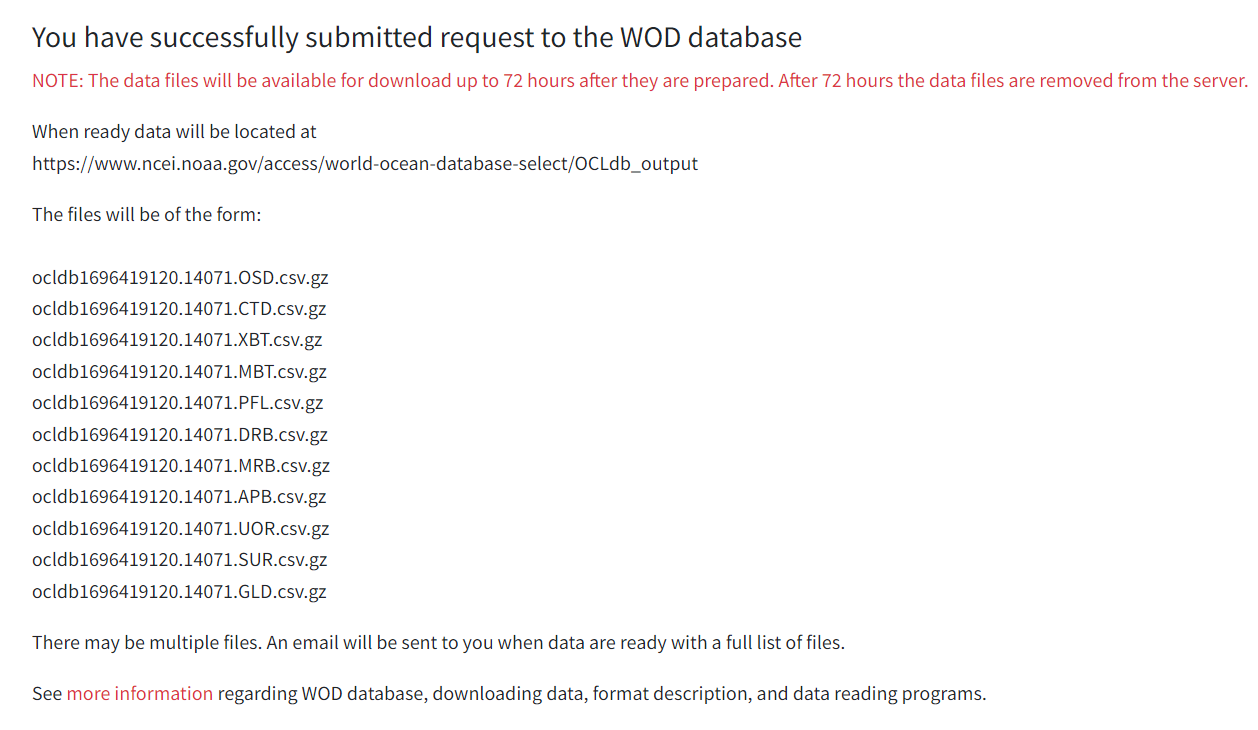
Download Data (2) 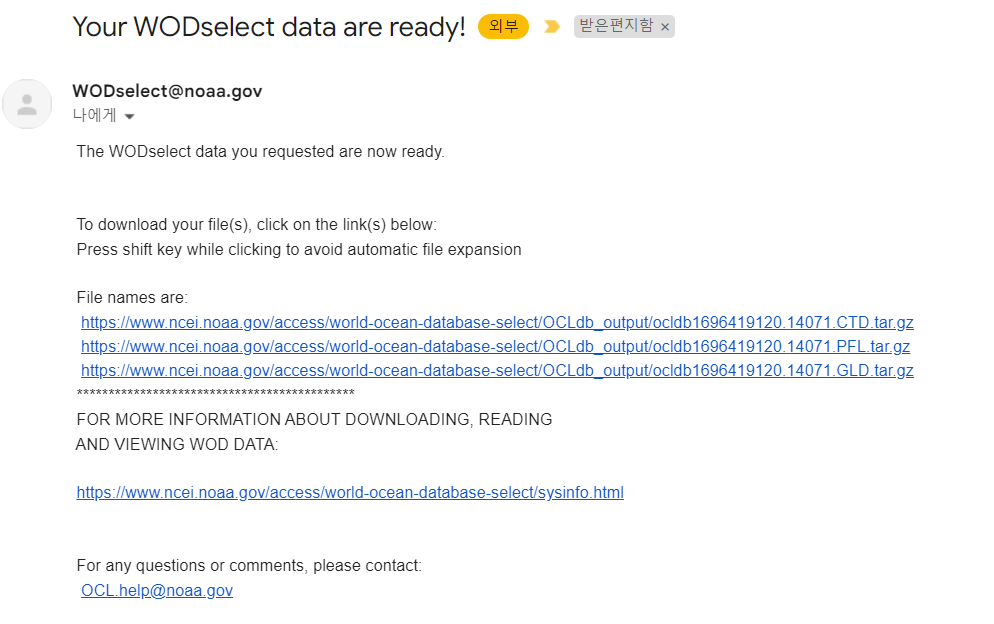
Download Data (3)
How to unzip a .gz file on Windows
Open cmd and run the two commands below, replacing currentfolder with the folder that holds the file and filename with the file name.